I Use CachyOS btw
/ 5 min read
I use CachyOS btw.
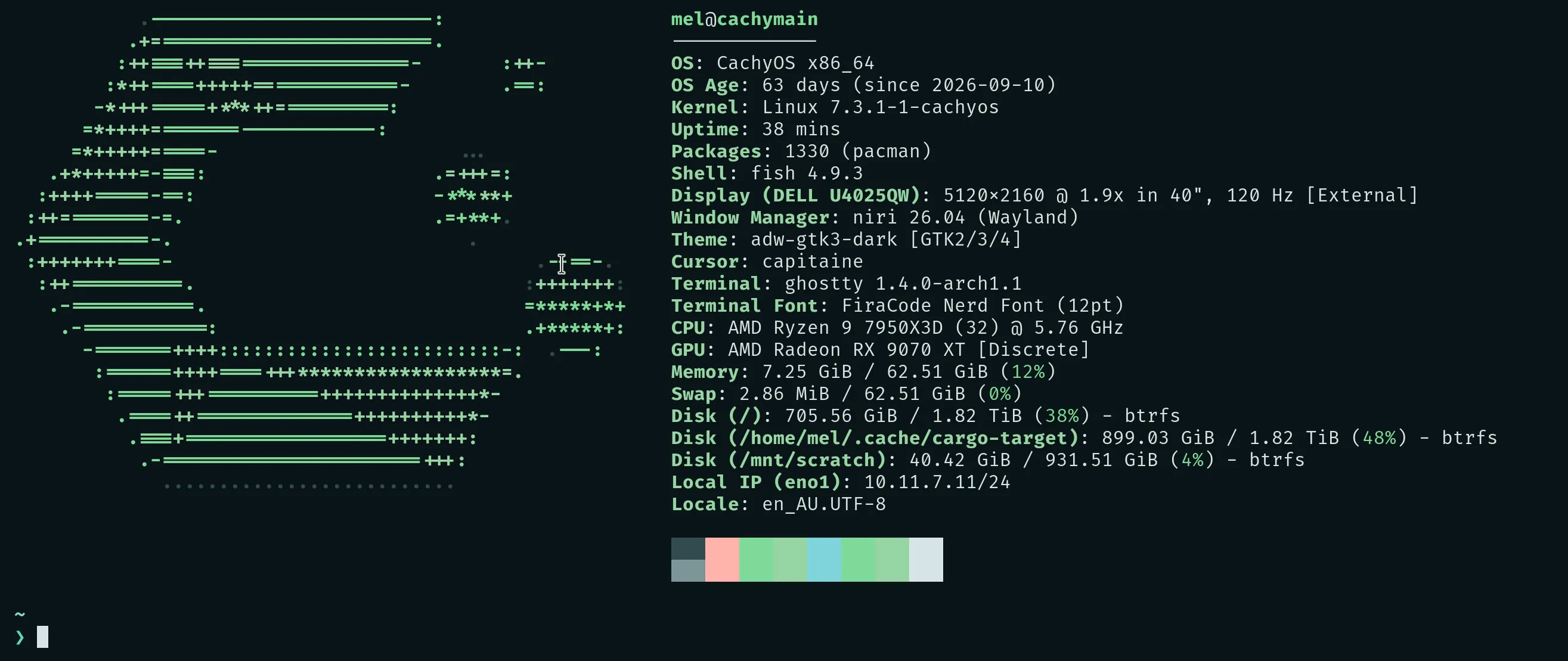
After 262 days on Omarchy, I switched my gaming rig over to CachyOS, and it’s been 63 days since. My other box has been running it since March, so two of my three Linux machines are on CachyOS now (I’ll get to the third one later). I think it’s a good time to write about why.
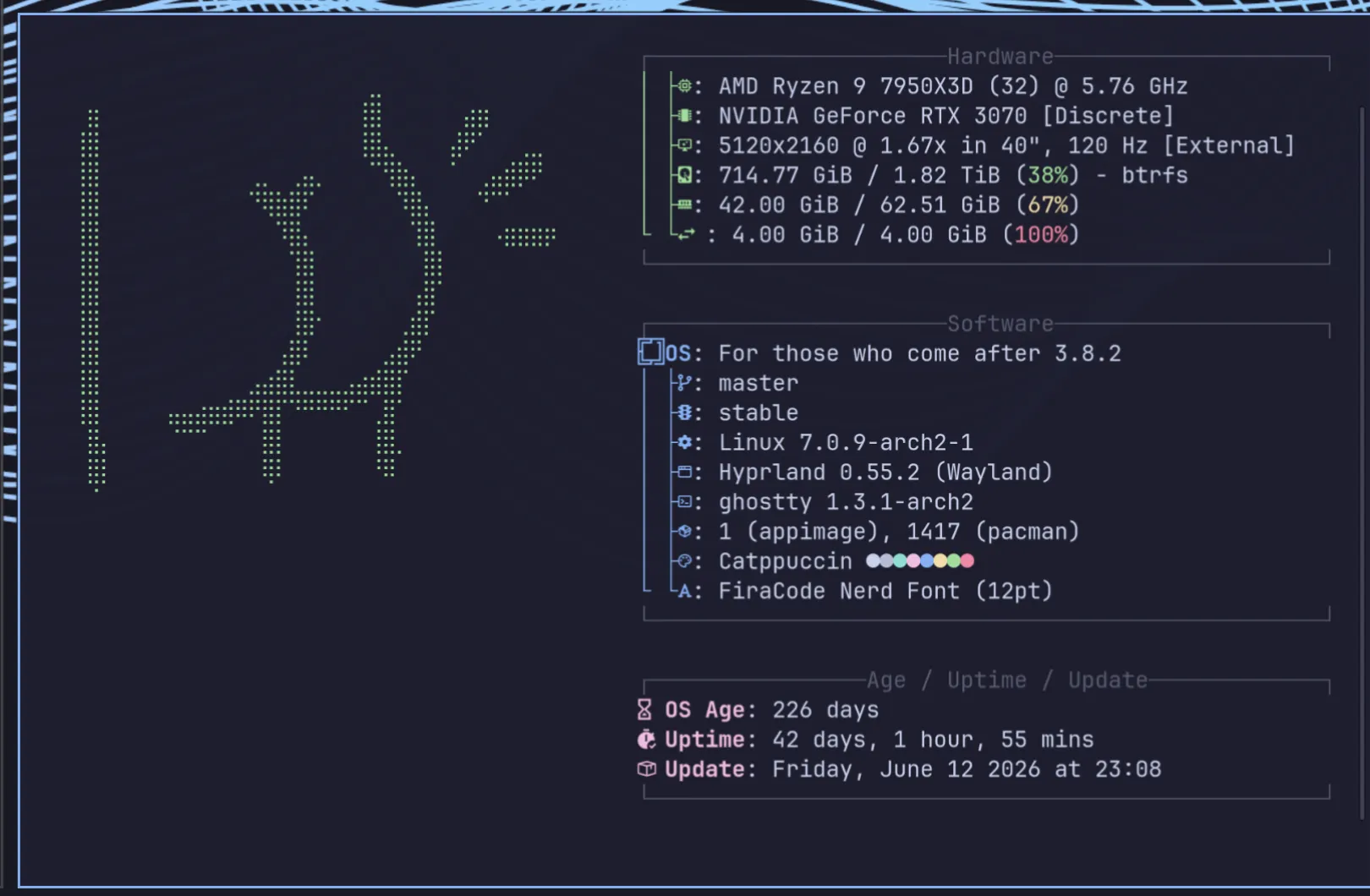
That’s Omarchy back in August, when I first started thinking about switching. Ignore the logo - I just hated the Omarchy logo (and the name).
Omarchy
Logo and name aside, I loved Omarchy the distro (if it even counts as one), and I still think it’s awesome. It’s easy to set up, batteries included and it has excellent documentation. I only had one issue with updates the whole time and that’s just Arch things, which I’m willing to put up with.
Honestly, I didn’t have any complaints, and I probably would’ve been satisfied if I hadn’t tried other distros.
NixOS
Before CachyOS, my other box was running NixOS. It was awesome in its own way, and not great in others. I think it would be an amazing feeling to pick up an old repo and still have all the old tooling, even when the world around it has changed a lot. I say I think, because I don’t think it’s all that applicable to me. For the code that matters to me (which is very little indeed), I work alone, keep things up to date and use Docker almost 100% of the time.
So after a few months on it, I switched that box to an Arch-based distro, and this time I picked CachyOS.
Scrolling Window Managers
There’s one thing I picked up from tinkering with NixOS that I decided I had to have no matter what: niri.
Niri is a scrolling window manager. Instead of squeezing every window to fit the screen, windows open in columns on a strip that just keeps going, and you scroll through them. I only tried it on a whim, but out of everything I’ve tried, it ended up having the most impact on me.
I love how you can zoom out to see everything, which is a feature I use all the time. The vertical arrangement and the hotkeys for stacking windows vertically and z-stacking them are very intuitive for me. Most of the time, I find that I can manipulate windows in niri better than anywhere else. I’m not saying it’s better, but it is better for me.
On Omarchy, I got something close to it with Hyprland and the hyprscrolling plugin. Hyprland had good support for it, and the scratchpad workspace is also very useful. The main problem I had was the random bugs - sometimes a window would just freeze. I think it was still working, because I could connect to the session with zellij and it was still up, but the display was frozen. Sometimes I would spawn a new shell and it would just be a blank screen. I got so used to it that I would spawn a bunch of shell windows if one didn’t load instantly. Other than that, Hyprland was fast and had good window management.
Niri, on the other hand, has been super stable. I have not had a single issue with it, and I think I’ve used both about the same amount.
It got to the point where a scrolling window manager is non-negotiable for me now. I want it on every machine I use day to day, and now I have it:
- all three of my Linux machines run niri
- my Mac runs OmniWM - it took a few tries (AeroSpace, Hammerspoon, nehir), and it’s still nowhere near as good as niri
- my work Windows laptop runs LeopardWM - it’s Windows, so don’t expect much
Noctalia
To be honest, I just picked Noctalia because it was the easiest desktop shell to get going with niri. But I’m glad I did - it’s very responsive, very stable and super easy to customise. You don’t even need a coding agent for it, although it obviously makes things a lot easier.
I’ve made a few plugins to improve my workflow, or just to remind me to stand up and exercise. One of them pulls a few photos from my Immich server to use as the desktop background, and all my apps change colour to match. I even have custom TUI apps that I built with Claude that use the Noctalia colours from the wallpaper. It’s super cool.
The keybindings are also super easy to set up, so everything is fast and easy to reach for.
Why CachyOS
So the switch to CachyOS wasn’t random. I was looking for two things:
- an Arch-based distro
- something that easily supported niri (and to some extent Noctalia)
Omarchy doesn’t offer niri out of the box, and I couldn’t be bothered figuring out how to get it working. I find that keeping customisations to a minimum gives me the best experience when updating, so fighting the distro’s defaults wasn’t something I wanted to do. CachyOS let me pick niri right in the installer, so it was an easy choice.
As a bonus, CachyOS sets up zram by default, sized to match my RAM, so the tiny 4GB swap file from my OOM adventure isn’t a thing anymore. You can even see it sitting at 100% in the Omarchy screenshot above.
My third Linux machine is an old laptop from 2017. I did try to install CachyOS on it too, but I couldn’t get it working. Fedora went on fine (with a few gotchas of its own), and then of course I had to install and setup SDDM, Noctalia, niri, the works. It’s now my portable computer of choice, even over my M1 Mac. I couldn’t get biometrics to work though… But that’s probably a story for a different post.
So yeah, I use CachyOS btw. But really, I use niri btw.